
Google review link and QR code generator.
Turn your Place ID or Google's own review link into a QR code, a printable review card and ready-to-send request messages in English or Arabic. Every message asks for an honest review, so you stay inside Google's rules.
Your QR code will appear here.
Your card preview will appear here.
The QR PNG is 1024 × 1024 px. The card is 1240 × 1748 px, which prints at A6 (10.5 × 14.8 cm) at 300 dpi. Scan both with your own phone before printing.
Three steps to more honest reviews
1. Get your link
Paste the link from Google's "Get more reviews" button, or your Place ID. The tool checks the shape of what you pasted. Use Test link to confirm it opens your review form.
2. Ask every customer
Copy the English or Arabic message into WhatsApp, SMS or email after each job, booking or order. Same message for everyone.
3. Print the card
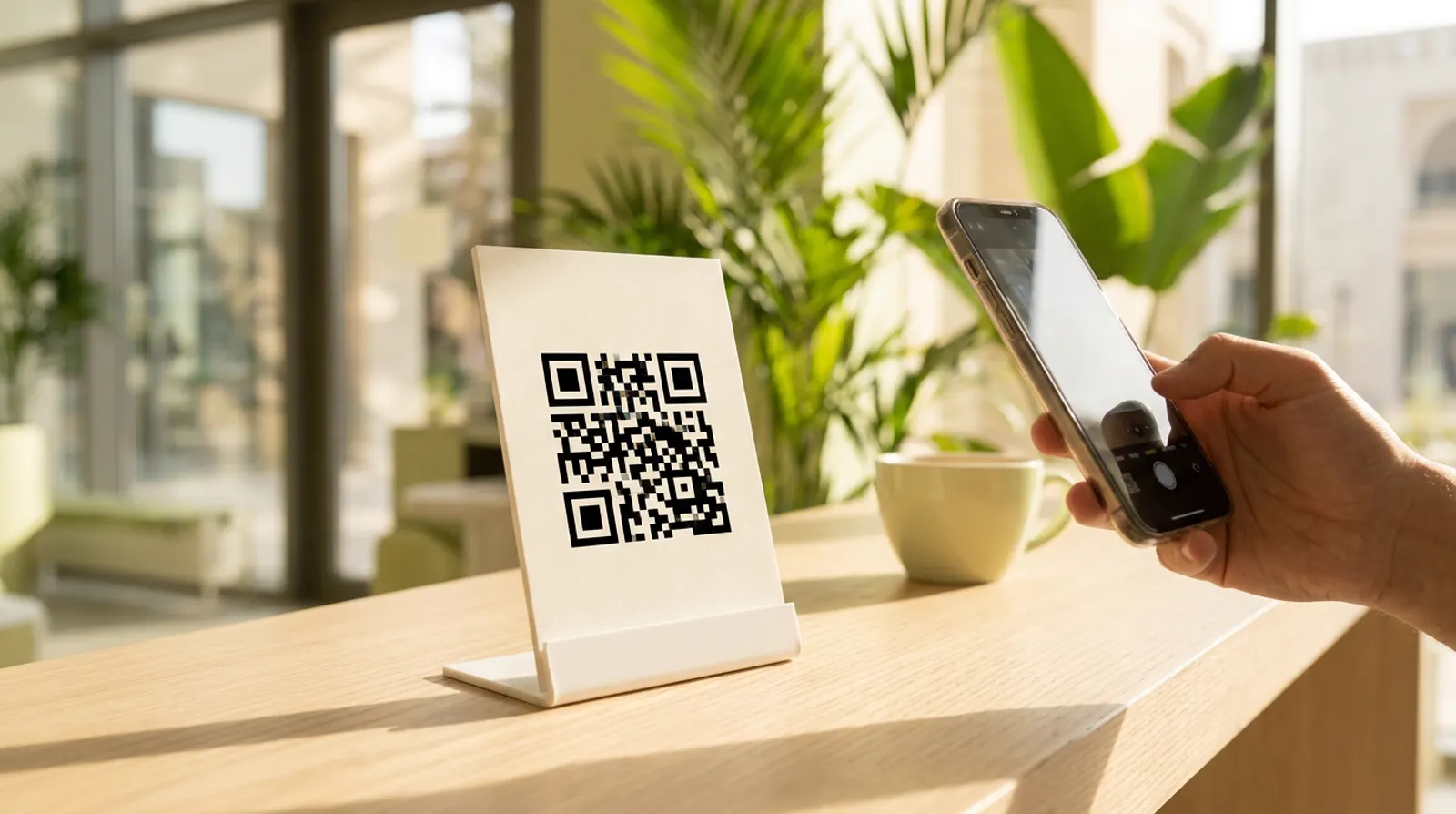
Download the A6 card for your counter, reception, receipts or delivery bags, so walk-in customers can review you later.
Which link should you use?
The first two links below open the review form for your business. Google's own link is the safest choice because Google generates it for you. The Place ID link is useful when you manage several locations or cannot reach the profile on a computer.
| Link type | Looks like | Where to get it |
|---|---|---|
| Google's review link | https://g.page/r/…/review | Business Profile on a computer: Read reviews, then Get more reviews, then Copy. Google says the review QR code can only be made in a computer browser. |
| Place ID link | https://search.google.com/local/writereview?placeid=ChIJ… | Your Place ID from Google's Place ID Finder. A widely used format that Google's help pages do not document, so test it before printing. |
| Maps share link (not ideal) | https://maps.app.goo.gl/… | Opens your listing, not the review form. Customers have to find the review button themselves. |
Sources: Google Business Profile Help, Create a Google link or QR code to request reviews; Google Maps Platform, Place IDs (both checked 21 October 2026). Google notes that Place IDs can change over time.
What Google allows when you ask for reviews
| Allowed | Not allowed |
|---|---|
| Asking every customer for a review by link, QR code, email or WhatsApp | Asking only happy customers, or filtering unhappy ones to a private form first (review gating) |
| Reminding customers that honest feedback, good or bad, helps | Offering discounts, gifts, free services or payment in exchange for reviews |
| Replying politely to every review, including negative ones | Discouraging negative reviews or asking customers to remove them for a reward |
| Showing a QR code at your counter or on receipts | Writing reviews for your own business, or buying reviews |
Sources: Google Maps User Contributed Content Policy, Deceptive content; Google Business Profile Help, Tips to get more reviews (checked 21 October 2026). This is a summary, not legal advice.
Google says local results depend on relevance, distance and prominence, and reviews feed into prominence. A complete profile with the right categories, services and photos matters too. See Google Business Profile optimization, or Localena if you want review requests and replies handled for you.
Google review link questions
The official way is in your Business Profile: open it on a computer, select Read reviews, then Get more reviews, and copy the link. You can also build a link from your Place ID: https://search.google.com/local/writereview?placeid= followed by the ID. The tool above does this and makes a QR code for either link.
Search for your business in Google's Place ID Finder. It shows the ID under the business name. No API key is required. Business Place IDs usually start with ChIJ. Google says Place IDs can change over time, so test your link again if it stops opening the review form.
Paste your Google review link or Place ID into the tool above. It draws the QR code in your browser: download it as a 1024 px PNG or as an SVG, or download the printable A6 review card with the code on it. It is free and needs no sign-up. Scan the code with your own phone before printing to check it opens your review form. Google also offers its own review QR code in your Business Profile, but only on a computer.
No. Google's policies prohibit offering incentives such as payments, discounts or free goods or services in exchange for reviews. Reviews posted because of an incentive can be removed.
No. Google's contribution policy lists selectively soliciting positive reviews, and discouraging negative ones, as rating manipulation. Ask every customer in the same way, and reply calmly to negative reviews.
No. The link, QR code, review card and messages are created by JavaScript in your browser. Nothing you type is sent to Media87 or saved on a server.
Want help getting and replying to Google reviews?
Localena by Media87 sends neutral review requests and helps you prepare replies, with you choosing what is published automatically and what your team approves first.
See Localena by Media87Reviews help most on a profile
that is already set up properly.
Media87 optimises Google Business Profiles in Dubai for AED 500, with monthly management, review replies and Localena from AED 500 a month.
See Google Business Profile service