
On-page SEO checker: paste a page's HTML and check it against Google's own rules
Paste the source of any page and see what Google is told about it: the title and description, robots and canonical tags, the heading outline, image alt text, links Google cannot follow, and broken or outdated schema. Every finding says whether it comes from Google's own pages or is our advice, and links to the source. Works for English and Arabic pages.
1. Paste the page source
2. What the checker found
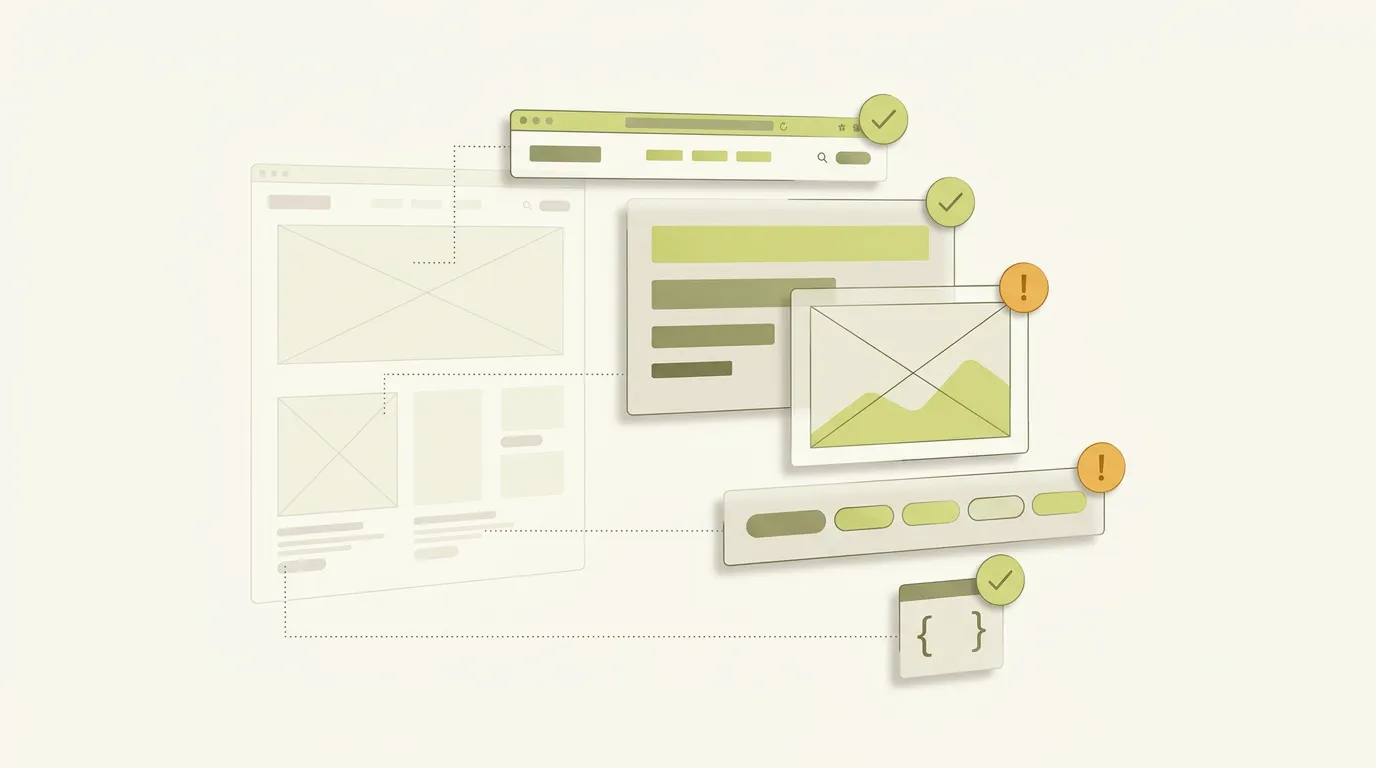
Six parts of a page, checked the way Google describes them
Title and description
A missing or empty title, vague titles such as "Home", the same words repeated, descriptions that are a list of keywords, and old tags Google ignores such as meta keywords. Google sets no length limit on either; it shortens them to fit the screen. For a pixel-accurate preview, use the Google snippet preview.
Robots and canonical tags
A forgotten noindex is the most expensive one-line mistake in SEO. The checker reads every robots meta tag, including googlebot ones, and checks the canonical tag: in the head, a full address, no #, and only one. A page blocked in robots.txt hides these tags from Google; test that with the robots.txt tester.
Headings
The full heading outline, so you can read the page the way a skimmer does. Google says heading order and number do not matter, so missing or several H1s are shown as our advice, not errors. Empty headings and skipped levels are flagged because they confuse screen readers.
Images
Missing alt text, alt text stuffed with keywords, image links with no alt (Google uses it as the link text), file names such as IMG_0023.jpg, images with no src fallback, and images set as CSS backgrounds, which Google does not index.
Links
Links Google cannot follow (no href, javascript:, click handlers), links with no text, "click here" and "read more" text, nofollow on your own pages, and how many links go to your site and to others.
Structured data and language
JSON-LD that does not parse, the types it declares, review stars a business added about itself (Google does not show those), and FAQ or HowTo markup, which Google no longer shows as rich results. For Arabic pages, the checker also looks for a right-to-left direction. To write correct business markup, use the local business schema generator.
How to read the results
✕ Fix means the page tells Google something you almost certainly do not want, such as noindex, or breaks a rule on Google's own pages. ! Review means it is often a mistake but can be deliberate. i Note is context, such as a tag Google ignores. Each line carries a label: Google links to the Google page that says it; Our advice is our own judgement, given so you can disagree with it.
There is no overall score on purpose. A score adds up things that do not matter equally: one stray noindex outweighs fifty missing image sizes.
Method and sources
Google's rules, all read on 2026-11-05: SEO starter guide (headings, meta keywords not used, descriptive anchor and alt text, repeated words), title links (every page needs a title, vague words like "Home", no length limit, repeated words), snippets and meta descriptions (no length limit, keyword lists, snippets come mainly from page content), robots meta tag (supported rules, googlebot and googlebot-news names, the most restrictive rule wins, robots.txt hides the tag), canonical URLs (only in the head, absolute addresses, no fragments), crawlable links (a with href, empty links, image alt as anchor text, nofollow), image SEO (alt text, keyword-filled alt, file names, src fallback, CSS images not indexed), structured data guidelines (JSON-LD recommended, only visible content, no guarantee), review snippets (self-serving reviews not shown), the Search Central changelog (HowTo rich results no longer shown since September 2023; FAQ rich results stopped showing on 7 May 2026) and multi-regional sites (Google does not use the lang attribute to decide a page's language).
Our choices: the 60-character title and 160-character description notes, the one-H1 suggestion, the 125-character alt note, missing image sizes, generic link text in Arabic, the right-to-left check, and the warnings about nofollow on internal links are our advice and are labelled that way. The checker reads the HTML you paste; it cannot see HTTP headers (such as X-Robots-Tag), redirects, robots.txt, page speed, or content added later by JavaScript.
Tested with the three examples on this page and with Media87's own pages. If you find a check that is wrong, tell us at hello@media87.com.
On-page SEO checker questions
On a computer, open the page, press Ctrl+U (Cmd+Option+U on a Mac) or right-click and choose View page source, then select all and copy. Paste it into the box. On a phone, typing view-source: before the address works in Chrome on Android.
Browsers block one website from reading another website's pages, and this tool has no server of its own. Pasting the source keeps everything on your device: nothing you paste is sent anywhere.
No. Google's SEO starter guide says headings out of order are fine and there is no ideal number. The tool still suggests one clear main heading, because it helps visitors, and it labels that as our advice.
No. A single score hides what matters. The tool lists each finding, says whether it comes from Google's own pages or is our advice, and links to the source so you can decide.
View page source shows the HTML before JavaScript runs. Paste that first: it shows what every crawler gets straight away. Then, in your browser's developer tools, copy the html element from the Elements panel and paste it to check the version after JavaScript runs.
No tool can promise that. These checks remove avoidable mistakes in how the page is described to Google. Rankings also depend on how useful the content is, what other sites link to it, and the competition for the search.
Clean pages are the start.
Useful pages win the search.
Media87's SEO service in Dubai starts from $500 a month and covers on-page and off-page work for English, Arabic or bilingual sites. To compare the cost with ads first, read SEO vs Google Ads for Dubai businesses.
See SEO services in Dubai