
Social media image resizer for Instagram, Facebook, LinkedIn, YouTube and Google
Choose one photo and tick the places you will post it. The resizer crops it to each size the platform publishes in its own help pages, lets you drag every crop into place, checks the file size and gives you files ready to upload. Your photo stays on your device.
1. Choose a photo
2. Tick the sizes you need
3. Options
4. Drag each image into place and download
Drag on an image to move the crop. Use the zoom slider to crop closer.
Your photo is opened and cropped by your own browser; nothing is uploaded. Your ticked sizes and options are remembered on this device, the photo is not. Downloaded files carry no camera or location data.
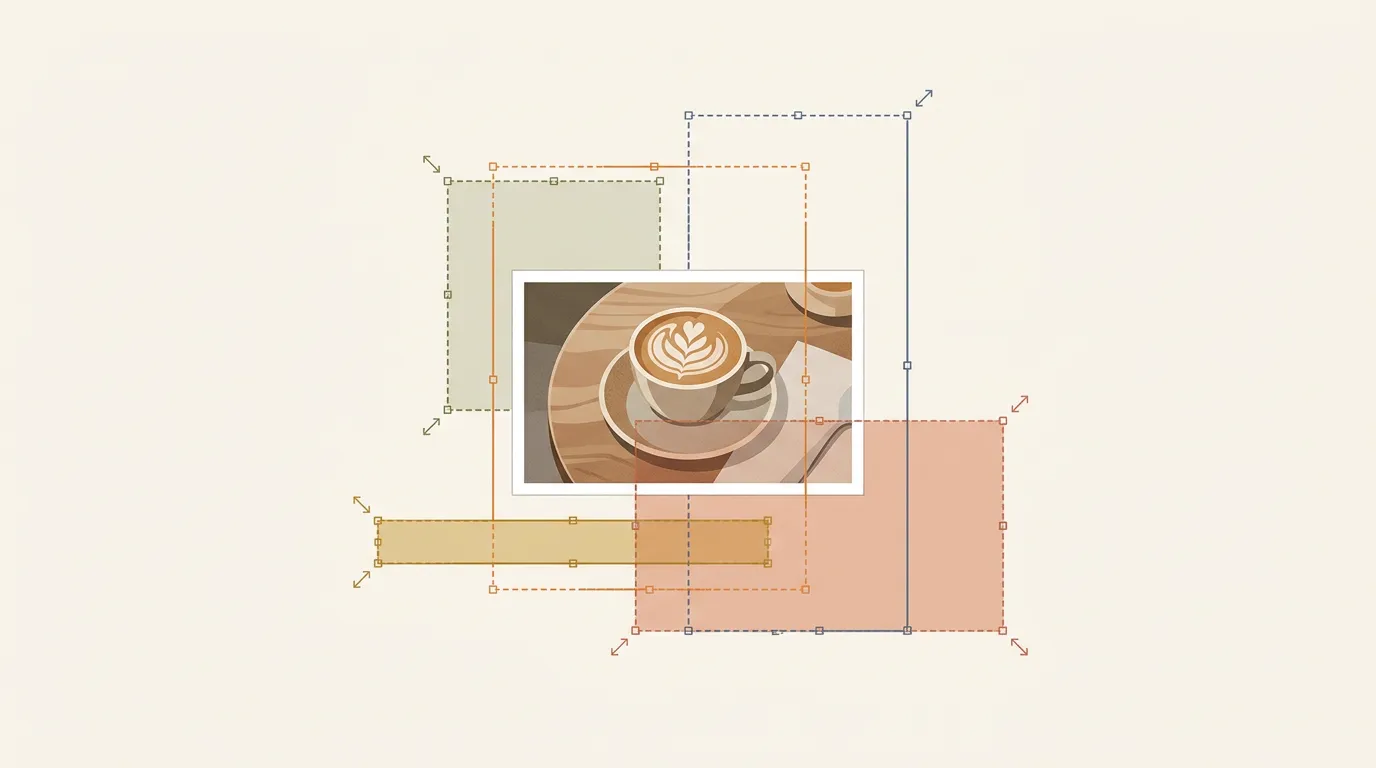
Three habits that keep posts sharp
1. Start from the original
Use the photo from the camera or the designer's export, not a screenshot or a picture forwarded on WhatsApp, which has already been squeezed. The resizer warns you when it has to stretch a small photo.
2. Pick the shape before you post
Each app crops a photo that does not fit its shape, and it rarely crops where you would. Cropping it yourself keeps faces, products and prices inside the frame. Portrait 4:5 takes the most room in the Instagram feed.
3. Keep text away from the edges
Stories hide the top and bottom under the app's name and button, and covers look different on phones and computers. Keep words and logos near the middle, and use the safe-zone guide for stories.
Sizes each platform publishes
| Where | Size the tool makes | What the platform says |
|---|---|---|
| Instagram post | 1080 × 1080, 1080 × 1350, 1080 × 566 | Keeps photos 320 to 1080 px wide at their own resolution, between 1.91:1 and 4:5; upload at least 1080 px wide |
| Meta ads: Facebook and Instagram feed | 1440 × 1800 (4:5) | Recommended 1440 × 1800; JPG or PNG; up to 30 MB |
| Meta ads: stories and Reels | 1440 × 2560 (9:16) | Recommended 1440 × 2560; keep about 14% top, 35% bottom and 6% each side free of text and logos; up to 30 MB |
| Facebook Page cover | 851 × 315 | At least 400 × 150; loads fastest as an sRGB JPG of 851 × 315 under 100 KB; PNG for covers with a logo or text |
| Shared link image (Facebook, WhatsApp) | 1200 × 630 | Meta recommends 1200 × 630 or more, 1.91:1, up to 8 MB |
| LinkedIn single image ad | 1200 × 628, 1200 × 1200, 720 × 900 | Those are LinkedIn's recommended sizes for 1.91:1, 1:1 and 4:5; JPG, PNG or GIF up to 5 MB |
| LinkedIn Page logo and cover | 400 × 400 and 1512 × 256 | Logo at least 268 × 268, 400 × 400 recommended; cover 1512 × 256; PNG or JPEG up to 3 MB |
| YouTube thumbnail | 1280 × 720 (16:9) and 1080 × 1920 for Shorts (9:16) | 16:9 for videos (at least 640 px wide), 9:16 for Shorts (at least 640 px tall), JPG or PNG; up to 2 MB when uploading from a phone. Google suggests up to 3840 × 2160; the smaller sizes here are our choice to stay under 2 MB |
| Google Business Profile photo | 720 × 720 | JPG or PNG, 10 KB to 5 MB, at least 250 × 250, 720 × 720 recommended |
X and TikTok are not listed because we could not read a current image-size page from either company. For X link cards, see the link preview checker.
Method and sources
Every size comes from the platform's own page, checked on 2026-11-02: Instagram Help Centre, photo resolution; Meta Ads Guide, Instagram feed, Facebook feed and Instagram stories image ads; Facebook Help Centre, cover photo size; Meta's sharing image guide (checked 2026-11-01); LinkedIn Help, single image ad specifications and image specifications for LinkedIn Pages; YouTube Help, add video thumbnails; Google Business Profile Help, add photos. Some guides on other websites still repeat older sizes (for example a 1128 × 191 LinkedIn cover); we used only the platforms' own pages. Instagram's page gives 1.91:1 to 4:5; some websites say 3:4 is now allowed, which we could not confirm on Instagram's own page, so the tool does not offer it.
How it works: the browser opens your photo, draws each crop onto a canvas at the exact pixel size and saves it as JPG, PNG or WebP. If a file is over the platform's size limit and you allow it, the tool lowers the quality step by step until it fits. File sizes shown are the real sizes of the files you download. Platforms may still compress your upload; that part is out of anyone's control.
Image size questions
Instagram's help centre says photos keep their resolution when they are between 320 and 1080 pixels wide and between 1.91:1 (landscape) and 4:5 (portrait). So 1080 x 1080 for square, 1080 x 1350 for portrait and 1080 x 566 for landscape. Portrait 4:5 takes the most room in the feed.
Usually because it was smaller than the size the platform shows, so it was stretched, or because it was saved at low quality several times. The resizer warns you when it has to enlarge your photo. Start from the original photo, not a screenshot or a file sent through WhatsApp, which is compressed.
JPG for photos, PNG for graphics with text or a logo. Google Business Profile, LinkedIn Pages, Meta ads and YouTube thumbnails list JPG and PNG, so use WebP only for your own website.
No. The photo is opened and cropped by your own browser and the new files are made on your device. Nothing is sent to Media87 or anyone else.
Yes. Files made by the browser carry no camera data (EXIF), including GPS location. That is good for privacy. If you want location data on photos for your own website, add it after resizing with the image geo-tagger.
The parts of a 9:16 story where the app puts your profile name and the button. Meta's ads guide asks you to keep about 14% at the top, 35% at the bottom and 6% at each side free of text and logos. Turn on the guide to see it.
Want the posts made
for you every month?
Media87's social media plan starts at $350 a month for 15 video and image assets, sized for each platform. Plan them around the dates in the UAE marketing calendar, and tag the links you share with the UTM link builder.
See social media marketing in Dubai