
If customers never come to your address, you do not need a shop to be on Google Maps. Google calls this a service-area business: a business that goes to its customers, or delivers to them, instead of serving them at its own premises. Cleaners, plumbers, AC technicians, mobile car wash and detailing, home tutors, photographers, event suppliers, movers and many freelancers in the UAE work this way.
The rules are strictest about one thing: the address. A profile that breaks them can fail verification or be suspended, so start there.
Quick answer
- If you do not serve customers at your address, remove the address from your profile and add a service area instead. Google's help page says to "remove your address and only enter your service area".
- You can add up to 20 service areas (cities, postal codes or other areas). The whole area should not be more than about 2 hours' driving from where you are based, although Google says larger areas may suit some businesses.
- A virtual office, a rented mailing address or a remote P.O. box is not allowed as a business address.
- A co-working desk counts only if it has clear signage, receives customers during business hours and is staffed by your own team.
- Verification for a service-area business is often a live video recorded in the Business Profile app, showing where you work, proof the business exists and proof you manage it.
Which situation are you in?
This table matches common UAE set-ups to Google's Business Profile guidelines and service-area help page.
| Your situation | What Google's rules say | What to do |
|---|---|---|
| You visit customers and run the business from home | Service-area businesses "should hide" the address; Google's example is a plumber working from a home address | Remove the address, add service areas |
| You deliver only, no pick-up (for example a home bakery or cloud-kitchen brand) | Delivery-only brands from shared kitchens "must hide their address and add service areas" | Remove the address, add service areas |
| You have a shop or clinic customers visit, and you also visit or deliver | A "hybrid" business can show its address and add a service area | Keep the address, add service areas |
| You rent a mailing address you do not work from (virtual office) | That location "isn't eligible for a Business Profile" | Do not use it; use a service area |
| You use a co-working desk | Allowed only with clear signage, customers received during business hours, and your own staff there during those hours | If any of the three is missing, use a service area |
| You only have a P.O. box | P.O. boxes or mailboxes at remote locations "aren't acceptable" | Use a service area |
| You sell alcohol, weapons or other age-restricted products | These businesses "aren't permitted as service-area businesses without a storefront" | A profile needs a real storefront |
Another company's premises, such as an office where you also hold a job, is not covered by its own rule. Our reading of the guidelines is that it does not qualify: Google ties an address to a real location where your business operates with its own signage, so use a service area and meet clients by appointment instead.
Setting up your service area
In your Business Profile, open the business location settings, remove the address and add the areas you serve. Google's Manage your service areas page has the current screens, which change from time to time. Three points matter more than the clicks:
- Pick areas you really serve. Up to 20 are allowed. UAE addresses do not normally use postal codes, so emirate, city and area names are the practical choice. If you only work in Dubai and Sharjah, do not add Abu Dhabi and Ras Al Khaimah to look bigger.
- Keep it within about 2 hours' drive of your base, Google's guideline for the overall area. Dubai to Abu Dhabi city is within that for many routes; all seven emirates from one base often is not. Google allows larger areas for some businesses, so a genuinely wider area is not banned, but be ready to justify it.
- Remember the service area is not a ranking setting. Google's ranking page does not list the service area as a factor; it is information for customers. Adding more areas does not make you appear in more places (our advice, based on what Google publishes).
One profile is the rule. Google allows one service-area profile for a business without a storefront; you get more than one only if you have separate locations, each with its own service area and its own staff.
How verification works without a shop
Google decides the verification method; video is common for service-area businesses. According to Google's video verification page, the recording must:
- show where your business operates, proof that the business exists, and proof that you manage it (for example the tools or equipment you use, a branded vehicle, or access to a work area);
- be one unedited, complete recording with no breaks, at least 30 seconds long;
- be recorded live and uploaded from a mobile device through your Business Profile. Pre-recorded videos are not allowed.
Our advice: plan the shots before you press record, film in daylight, and only show things that are really yours. Borrowed equipment or a staged location is exactly what the check is designed to catch.
Can you rank on Maps without an address?
Yes, but be realistic. Google's local ranking page names three factors: relevance (how well the profile matches the search), distance (how far the business is from the searcher, or from the place in the search) and prominence (how well known the business is, including links, articles and reviews). It also says "there's no way to request or pay for a better local ranking". Google does not publish how distance is measured for a profile with a hidden address, so treat anyone's precise claim about it as a guess.
What you control is relevance and prominence:
- Complete the profile honestly: the right primary category, services, real hours you can answer the phone, and real photos of your work.
- Ask every customer for a review, not just the happy ones. Google's rules forbid selectively asking for positive reviews. Our free review link and QR generator makes the request easy.
- Post updates about real work and offers. Check them first with the post and description checker, which flags phone numbers, links and wording Google may remove.
- Give your website a clear service area in the text and in structured data. The local business schema generator has a no-shop-front mode that leaves out the street address and lists the areas you serve instead.
- Do not create a page for every area. One strong service page that names the areas you cover is better than dozens of near-copies, and Google lists near-identical pages made for different cities as doorway spam.
Mistakes that get profiles suspended
- Using a virtual office, a business centre mailbox or a friend's shop as the address.
- Adding keywords or areas to the business name ("Best AC Repair Dubai Marina"). The name must be your real business name.
- Creating a second profile for another emirate without a separate location and staff there.
- Showing an address but having no permanent signage there. Google asks businesses that show an address to keep permanent fixed signage at it.
- Filtering who you ask for reviews, offering rewards for them, or buying them.
How Media87 can help
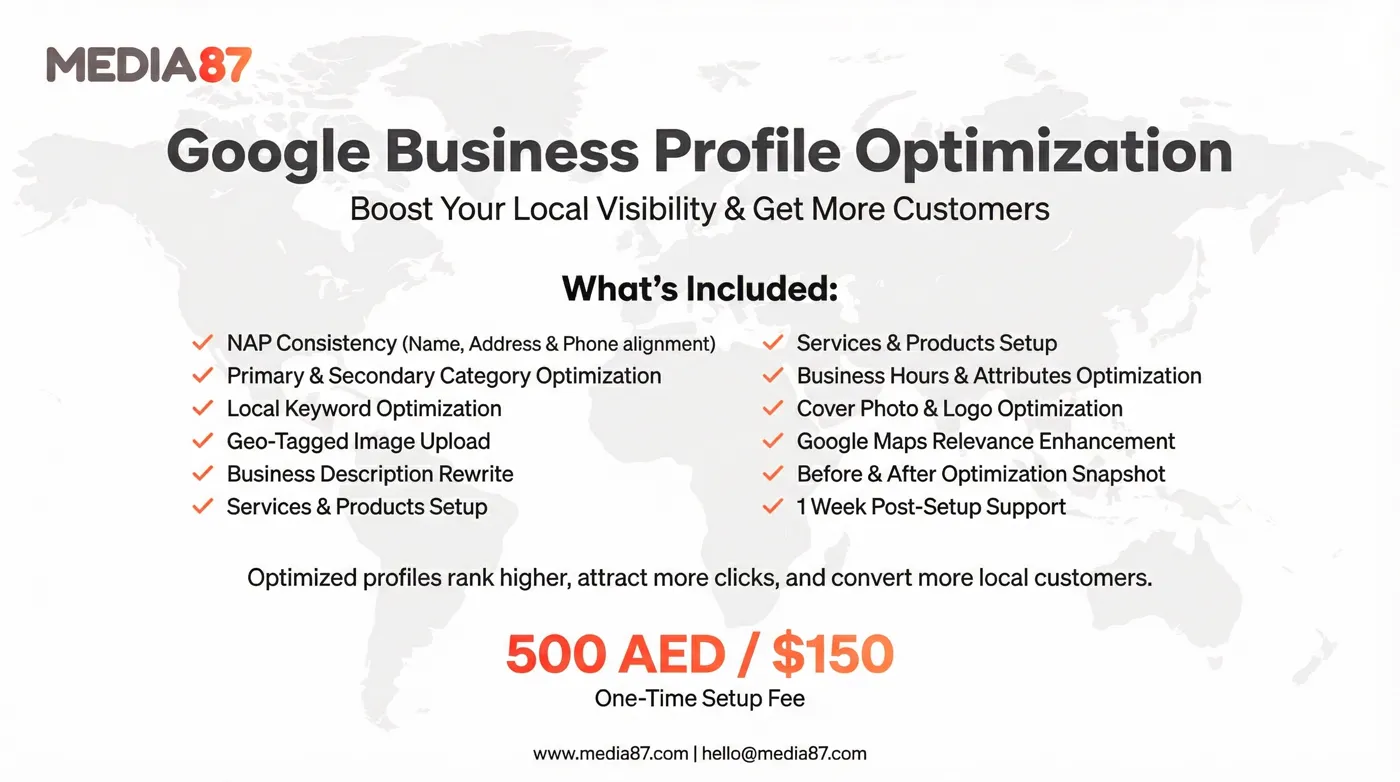
Media87 sets up and looks after Google Business Profiles for UAE businesses. Profile optimisation is AED 500 (about $150) one-time, and monthly management with the Localena app is AED 500 (about $150) a month. We do not promise a ranking position, because no one honestly can. Details are on the Google Business Profile optimisation page, and the wider picture is on the local SEO services page.
Common questions about Business Profiles without an office
Can I have a Google Business Profile without an office in the UAE?
Yes, if you serve customers at their locations or deliver to them. Set it up as a service-area business: remove the address and add the areas you serve. Google still needs to verify the business.
Can I use my home address?
Google may ask for it privately during setup or verification, but if customers do not visit you there, Google says to hide it from customers. They then see your service area, not your home.
Can I use a virtual office or business centre address?
No. Google says a rented mailing address you do not operate from is not eligible. A co-working space only qualifies with signage, customers received during business hours and your own staff present.
How many areas can I add?
Up to 20, such as cities or areas. Google's guideline is that the whole area should be within about 2 hours' driving of your base, although larger areas may suit some businesses.
Does hiding my address hurt my ranking?
Google has not published that it does, and it does not explain how distance is measured for hidden-address profiles. Relevance and prominence, such as a complete profile, honest reviews and a good website, are what you can improve.